Answers about photos, posts, territories & leads

Jump a section below — or check your zip first if territory is the question.

Getting started

Who is White Glove Leads for?+
Any local business neighbors hire — remodelers, roofers, HVAC, plumbers, electricians, landscapers, dentists, salons, restaurants, law firms, auto shops, cleaners, and 50+ more niches. If locals hire you, this works. See how it works →
What happens right after I sign up?+
You create a login and pick your plan and term. No card is taken on that page and nothing is charged there — your first payment happens when you start it from your billing dashboard. Within minutes we email a private onboarding link: upload photos, tell us your story and your people, list your zips and towns, and optionally set a promo or giveaway.
How long does onboarding take on my end?+
Start in about 60 seconds with your trade and town. The deeper story and photos can wait — you can save and come back anytime, and add more photos from your dashboard whenever you like.
How fast will I see my first lead?+
Nobody can promise you a date, and we won't try. Here is the honest sequence. Join requests go out in the first week or two — a real person taps Join from a real profile. Then the group's admins decide whether to let you in, and when: some approve the same day, some take weeks, some never reply, some don't allow businesses at all. Drafts queue as soon as a group approves you. In a typical account, weeks two to four after onboarding is when a first lead tends to land. That is a typical case, not a commitment — some markets take longer, and we can't rule out a market where it doesn't work.

Typical timeline

How long these steps have tended to take — a typical case, not a schedule we can commit to. Weeks one to four depend on group admins deciding whether and when to let you in, which is their call and not ours.

  1. Day 0

    Sign up & claim zips

  2. Days 1–3

    Photos & story

  3. Week 1–2

    Groups mapped & joins queued

  4. Week 2–4

    Posts running

Photos & content

What kind of photos do you need?+
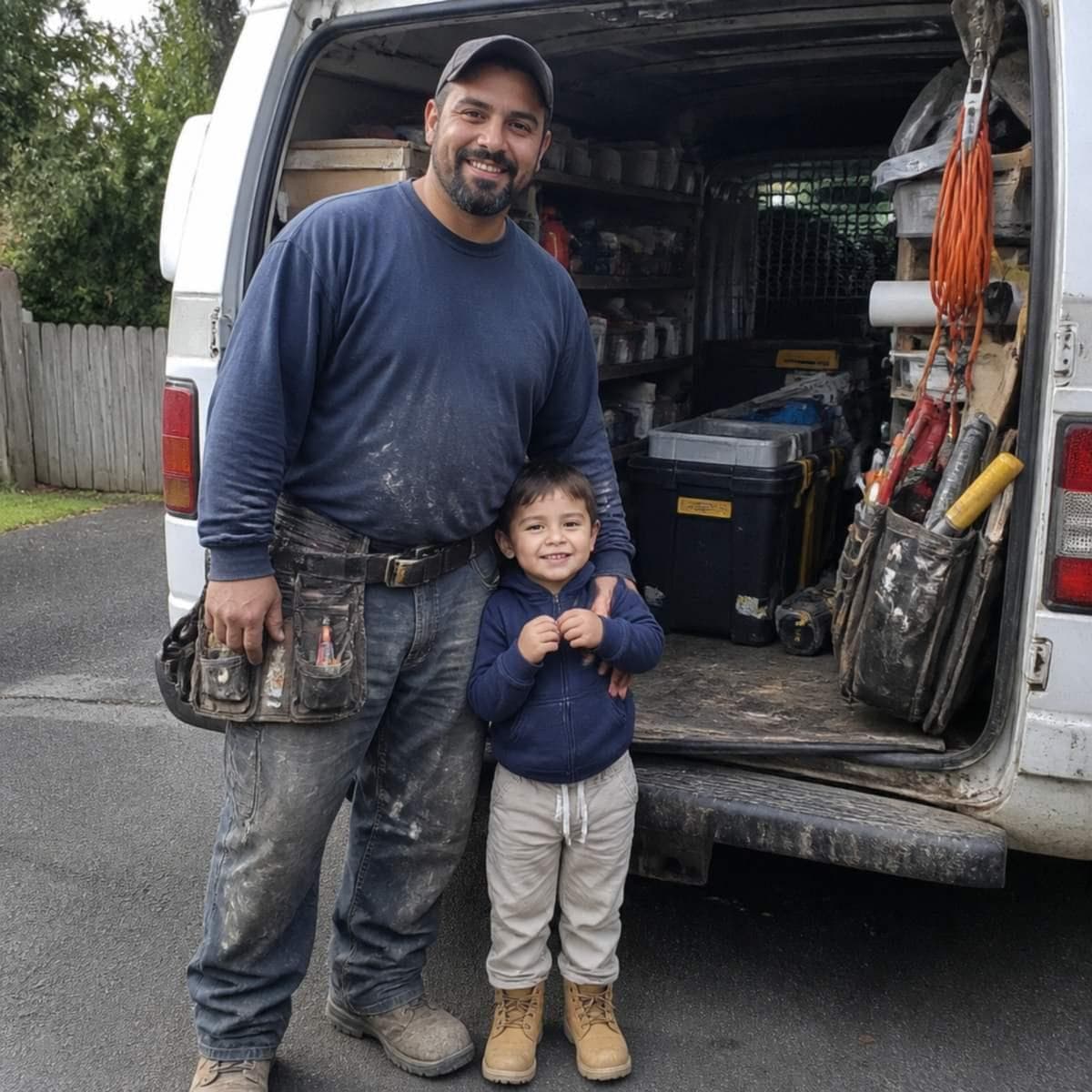
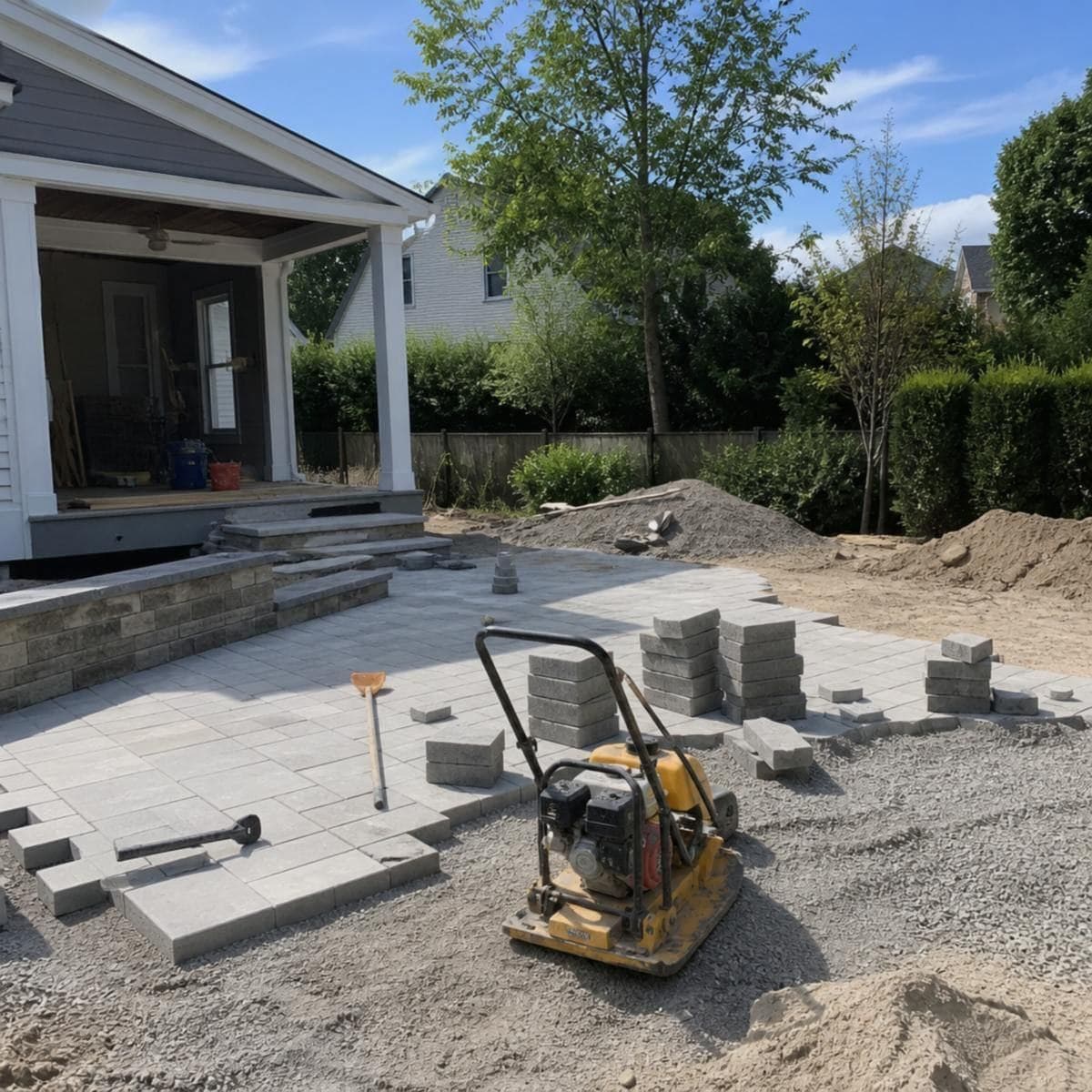
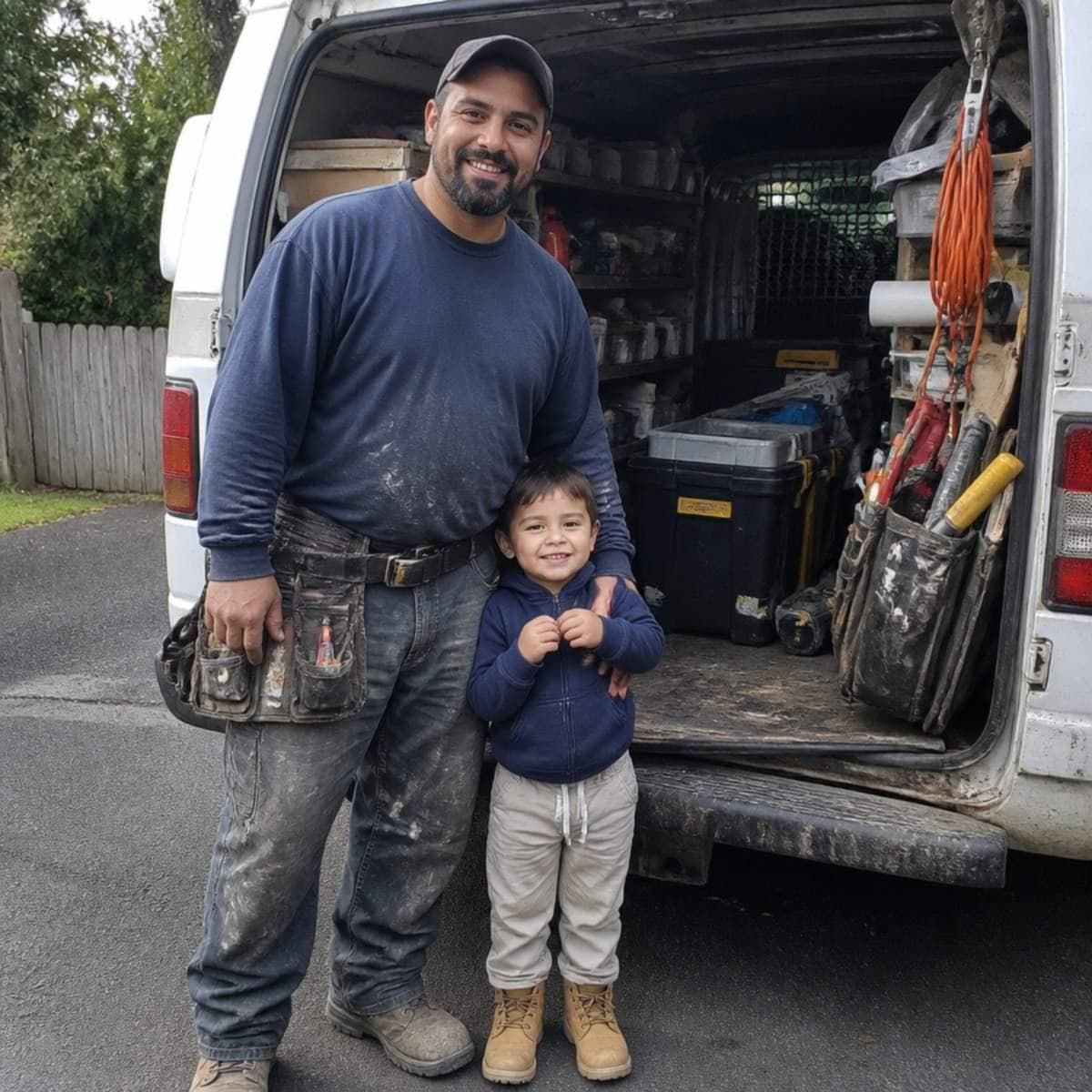
Two kinds. Personal: you with family, dog, crew, town moments — anything that makes you a person, not a logo. Project: before/afters, finished work, and anything you’ve used before. Phone photos are perfect. See photo examples →
Who writes the posts?+
Our team writes every caption from your photos and story. During onboarding we learn each featured person — role, hobbies, years in the trade — so posts sound like a neighbor, not an ad.
Do I approve posts before they go out?+
By default, yes — every draft comes to you first: approve it, ask for changes, or bin it. Nothing that you have not approved is ever handed to whoever is publishing, and that is true whether you publish or a person on our team does. If you would rather not review each one, you can switch your account to let our team handle review and just hand over the ready-to-post packet. Market Dominator includes a monthly creative refresh and a quarterly strategy call with your account manager.
Can I feature more than one person?+
Yes — plans include one, three, or unlimited featured people. Owners, designers, techs, and salespeople all work. Variety keeps the feed fresh.
Do I own the posts and my photos?+
Your photos stay yours — uploading them doesn’t hand us your copyright. What you give us is permission to use them to do the work: crop them, caption them, build your posts from them, and keep copies of them afterwards for our records. The posts we draft for you are yours to publish and keep. What stays ours is everything we built to produce them — our templates, prompts, copy frameworks, group database, and software. Section 14 of the Terms is the exact wording, and it is short.
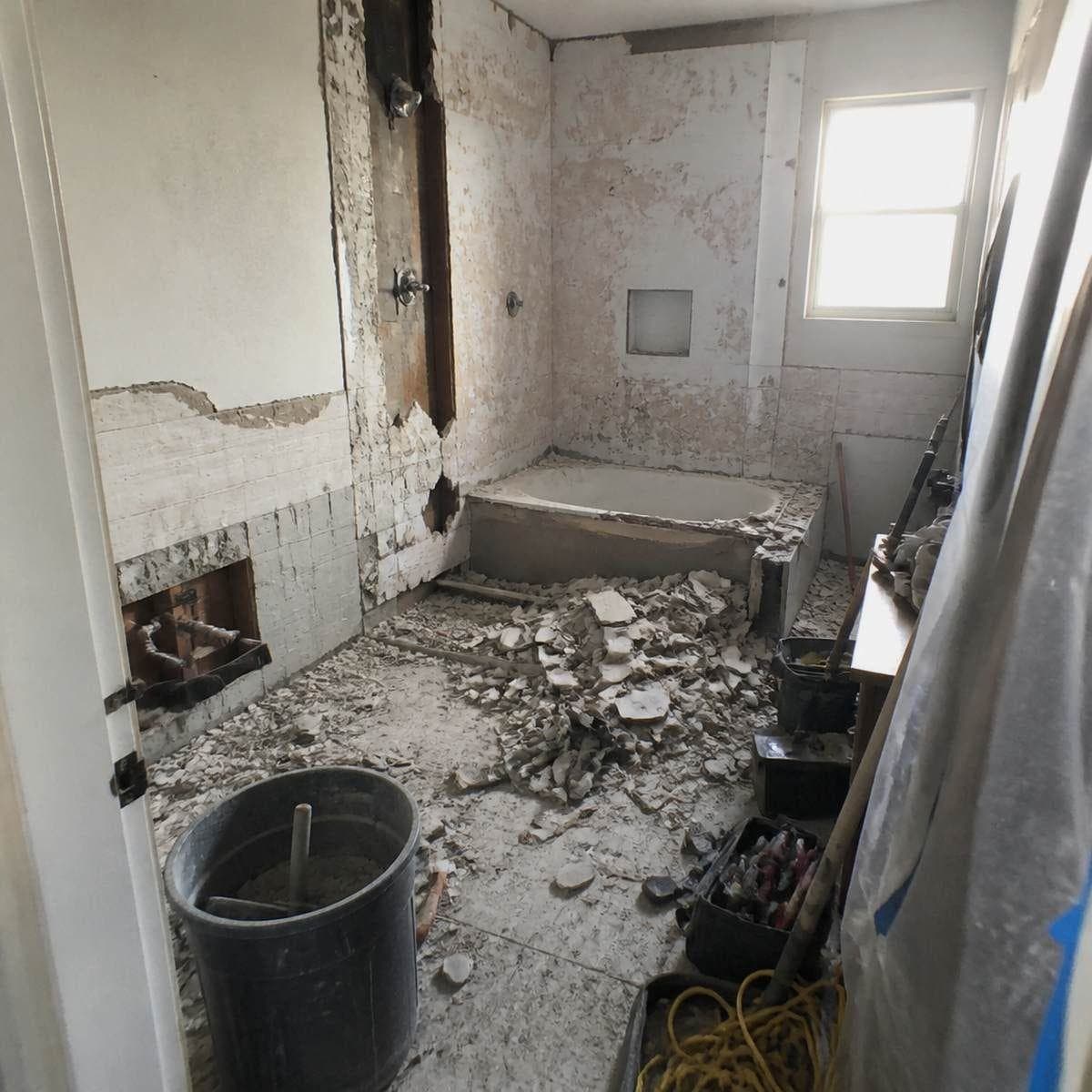
Bathroom remodel — before
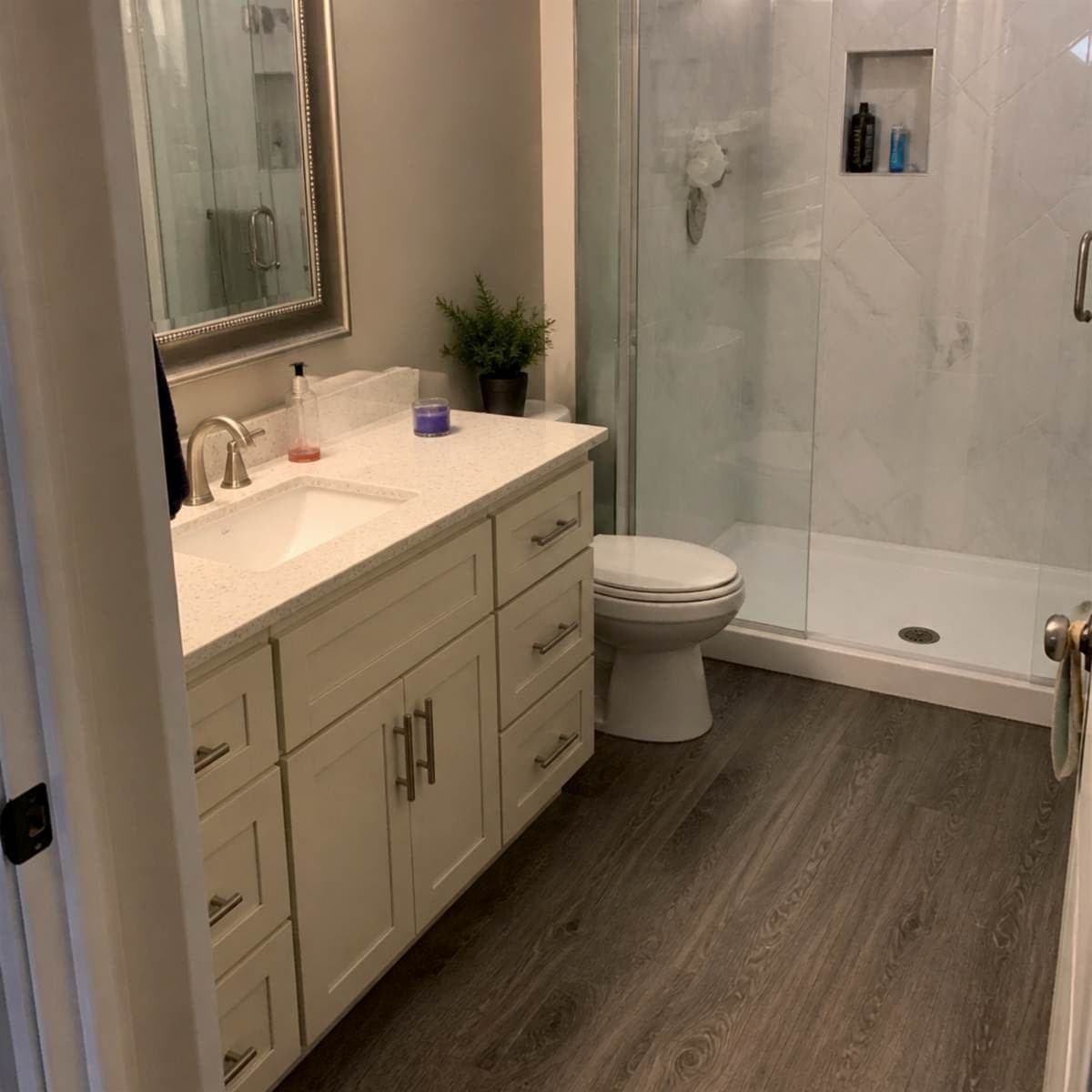
Bathroom remodel — after
BeforeAfterDrag to compare

Before/after sets are the format we build the most posts around.

Who publishes

We prepare every post either way. What changes is whose hands tap Share — and what never changes is that a person taps it.

Who actually posts to Facebook — me, or you?+
Whichever you choose. Two paths, both real, both selectable on your account. You publish— the default, and the one the app recommends: we hand you a ready-to-post packet (approved copy, approved photos, the target group, that group's rules), you open the group and tap Share. About a minute. We publish for you — a named person on our team does that by hand instead, one post at a time. In both cases a human being reads the post and chooses to publish it. There is no bot, no scheduler, and no Facebook integration anywhere in this product. See both paths →
Do you need my Facebook password if you publish for me?+
No. Never, in either path. We do not ask for, accept, or store your Facebook password, session, cookie, or token — not temporarily, not encrypted, not for setup. There is nowhere in our system to put one, which is the practical version of the promise: it is not a policy someone here could quietly break. If anyone contacts you claiming to be White Glove Leads and asks for your Facebook login, it is not us — forward it to support@whitegloveleads.com. The only credentials involved in your account are your White Glove Leads ones.
Then how does your teammate post in my groups?+
By an arrangement we agree with you in writing before we switch you over — who the named person is, and how your groups get posted into. It depends on the group and on your setup, which is exactly why it is a conversation with your account team and not a switch in the app. What it never is: your login. If we cannot arrange it for your groups, we tell you and you stay on the option where you publish. We would rather lose that upsell than fake it.
Is any of this automated? Do you use a posting bot?+
No. Not now and not planned. Nothing in our software can publish a post, send a join request, leave a comment, or send a message on Facebook — not in either path. When we publish for you, that is a person on our team doing it by hand, and we are building tools to make that person faster (their work queue, the group's rules on screen, one post at a time), not to remove them. We say that plainly because the opposite is what most people assume 'done for you' means. Automation would also be bad for you: near-identical posts fired across many groups is precisely the pattern that gets accounts and posts removed.
Can I switch who publishes later?+
Yes, and it is not locked to your term. You pick during onboarding and confirm it as a written posting agreement, which is why the buttons go read-only afterwards — an agreement you can silently flip is not a record of anything. To change it, message your account team from your dashboard or email support@whitegloveleads.com, and we switch it and confirm back to you in writing. Most clients stay on publishing themselves. A post from your own profile, with your face on it, is the reason a neighbor replies to it instead of scrolling past — that is not a line we invented for this page, it is the whole thesis of the product.
What happens if a group deletes one of my posts?+
It happens, to everyone, and it is not something we can appeal. A group's admins can delete any post at any time, for any reason or none — a rule you tripped, a rule they made up that morning, or a bad mood. What we do about it: each packet carries that group's own rules with it (promo policy, promo days, link and photo policy, phrases they ban, length limit) because breaking one is how a group is lost permanently; we do not re-run the same post into the same group to force it through; and we shift that volume to other groups in your territory, which is why we spread you across several rather than one. Tell us and we will change the format we send that group. It is not a refund or credit situation — see billing.
Can I tell you to stop posting for a while?+
Yes, and you do not have to ask permission — there is a pause control on your Posts page, or tell your account team and we will set it. While it is on, nothing is published for you and nothing new is queued. Two lengths: quiet until your current paid period runs out and then it starts again on its own, or quiet until you press resume, with no timer at all — we will never decide on our own that your quiet spell is over. Nothing piles up: the posts we would have made while you were paused simply do not happen, and we do not publish them late, so you come back to your normal pace and not a backlog. Your account, your zips, and your leads are all untouched, and leads from posts already live still reach you. Resume whenever you like and we pick up from that day.

Territory & exclusivity

How does territory exclusivity work?+
One client per service category per zip, nationwide. The checker on this site reads the live client list. If you come in from the checker, those zips lock to your account the moment the account is created; if you skip that, they lock as soon as you enter your trade and towns in onboarding. Either way we check first, and a zip someone in your category already holds is refused with the specific zip named — before any charge. What exclusivity means: while your account is active and paid, we won't take another business in your category in the zips locked to you. It does not mean no competitor will ever post in the same groups, and it isn't a claim on the market itself. Nobody can sell you that.
Which Facebook groups do you use?+
Community groups tied to your zips — town boards, neighborhood groups, recommend groups, homeowner groups. We map them and hand you the list with each group's posting rules. Join requests are sent by a person, from a real personal profile. It is never automatic: nothing in our product can send a join request, search Facebook, or read a group's member list.
What if a group doesn’t approve the join?+
Normal, and expected. Group admission is entirely the admins' call — not ours, and not something we can appeal, escalate, or speed up. Some groups are slow, some are personal-profile only, some ban anything trade-related, some just say no with no reason. What we do about it: we map more candidate groups than your plan covers, so there is always somewhere else to send a request, and we keep mapping every month. The group number on your plan is a ceiling on how many we'll work for you — not a number of approvals anyone can guarantee you'll get.
What if a group removes me, or Facebook restricts my account?+
It can happen, and it isn't something we can undo. Admins can delete a post or remove a member at any time, and Facebook can restrict or suspend an account for reasons it doesn't have to explain. Because we never log into your account and never hold your password, we can't appeal it or get you back in. What we do is keep drafting and move your volume to other groups in your territory. It is not a refund or credit situation — see the billing section — and it is the main reason we spread you across several groups rather than one.
Can I expand my territory later?+
Anytime. Add zips in your dashboard profile, or move up a plan for more group coverage. New zips run through the same exclusivity check, so a zip already held in your category will be refused the same way it would have been at signup.
Can you close my zip, or change what my plan includes?+
We decide which zips and categories we sell, and we can open or close any of them to new clients at any time. We can also change plans, features, and what a plan includes, and we can offer different terms to different clients. What that does not do is take away the zips locked to you while your account is active and paid — that lock holds for as long as you're a client in good standing. It is released when your paid term ends without renewal, when you cancel, or if we end the account for nonpayment, a chargeback, or a breach of the Terms.

Check if your zip is open

One client per trade, per zip. See availability before you write us.

  1. 1Zip
  2. 2Niche
  3. 3Claim

Step 1 — Enter your zip

One business per trade, per zip — checked live

Leads & results

What information comes with each lead?+
Name, phone, email, address, and written project scope — plus which group and post won them. Instant email and dashboard on every plan (SMS coming soon on Pro and Dominator).
How many leads will I get?+
We can’t tell you, and anyone who gives you a number is guessing. The plans are sized around roughly 8–15/mo on Launch, 20–35 on Pro, 40–60 on Dominator — that is the range we build the group coverage and posting volume for. It is not a measured average from a client base we are still building, not a floor, and not a promise. What actually lands depends on your market, your niche, the season, which groups admit you, how consistently the posts actually go up, and how fast you answer. The Terms say we guarantee no lead volume, and we mean it. What we do commit to is honest monthly reporting, including the months that were slow. View plans →
What happens if no leads come in?+
You still owe for the term you bought, and there is no refund or credit for a slow month or a slow quarter. That is the deal, and we would rather you know it before you pay than discover it in month two. What we do: keep drafting at your plan's cadence, keep mapping new groups, change the formats that aren't getting replies, and tell you plainly in the monthly report what happened — including when the answer is that it didn't work. If it isn't working for you, the lever you have is cancelling before your next renewal, and on a monthly plan that is never more than a month away.
Are the leads shared with anyone else?+
No. We don't sell your leads, and we don't resell them to another business in your category and zips. We're the opposite of the marketplaces that sell one homeowner to five contractors.
How are leads qualified?+
By the ask in the post. Every draft is written to invite a specific request — an estimate, a consult, a quote on a described job — so the neighbor who replies tells you what they want done. There is no scoring model behind it and we do not screen anyone out for you.
What’s in the monthly report?+
Lead count, posts published, active groups, top-performing posts, and optimization notes — no fabricated Facebook impressions. Uploaded to your dashboard every month.
Do giveaways actually work?+
The logic is that a free consult drawing gets comments, and a commented-on post stays visible in the group longer. We think it is worth trying and we will draft the campaign; we have not run enough of them to quote you a number, and we will not invent one. Optional either way.

Email and dashboard, the same second.

How every lead reaches you — no morning digests. SMS is coming soon on Pro and Dominator.

Owner getting lead alerts on phone and laptop

New lead · email

Karen M. · Bath remodel · 07704

Email. Dashboard. Same second.

The moment a neighbor's comment, message, or form reply is logged as a lead, the email goes out and it appears in your dashboard — nothing is held back for a morning digest. Call them while your post is still open on their phone. SMS is coming soon on Pro and Dominator.

Email

Every plan

SMS

Coming soon

Dashboard

See every lead

Billing & account

How does billing work?+
Subscriptions on the term you choose: month-to-month, 6-month (save 10%), or 12-month (works out to 2 months free). A 6- or 12-month term is charged in full at the start of the term — six months of Neighborhood Pro is one charge of $4,842, not $807 a month. Every term then renews on its own length at the rate in effect then: monthly bills again every month, a 6-month term every 6 months, a 12-month term every 12, until you cancel. Request a plan or term change in your billing dashboard and your account team sets it up; for a receipt or an invoice copy, email support@whitegloveleads.com.
Can I cancel anytime?+
You can always stop the next charge. On a monthly plan that means cancelling ends things at the close of the month you already paid for, no questions. A 6- or 12-month term is billed up front and runs to the end of that term: cancelling stops the next renewal charge, but it does not cut the current term short and it does not refund, credit, or prorate any part of it. Cancel before the renewal date and you are not charged again. To cancel, email support@whitegloveleads.com from the address on your account — there is no cancel button in the dashboard on purpose, because we would rather talk first, and we confirm your stop date back to you in writing. Your territory is released once the paid period ends.
Can I get a refund?+
No. All fees are non-refundable, and we don't issue credits, make-goods, free months, or prorated amounts either — not for a slow month, not for unused time on a term, not for a group that never approved you, not for a restricted Facebook account, and not if you never published the posts we prepared. There is no free trial and no money-back period. This is the strictest part of our Terms and we would rather you weigh it before you buy than find it afterwards: if you aren't sure, start monthly. Where the law of your state gives you a right that can't be waived, that right still applies.
If I pause the posting, does my bill pause too?+
No. A pause stops the work, not the money. It is a service pause, not a billing change: your plan keeps running, your next charge is unaffected, and a paused stretch is not refunded, credited, prorated, or added on to the end of your term. Pausing buys you quiet, not time. We would rather you hear that before you use it than after. If what you actually want is for the billing to stop, that is cancellation, not a pause — see the answer above — and on a monthly plan it is never more than a month away.
Can you change the price?+
Yes, going forward. We can change prices, plans, and what a plan includes at any time, and a renewal is charged at the rate in effect at the time it renews. What we won't do is change the price of a period you have already paid for. Material changes to a recurring charge are disclosed ahead of the charge, as the law requires. If a new price doesn't work for you, cancel before the renewal date and you aren't billed again.
Is there a contract or minimum term?+
Monthly has no minimum term. The 6- and 12-month terms are never required, but they are a real commitment, not just a discount code: you pay for the whole term at the start, it is not refundable or cancellable mid-term, and it renews for another term of the same length unless you cancel before the renewal date. A 12-month Market Dominator term is $14,964 up front and $14,964 again a year later if you stay.
Can I upload new photos after onboarding?+

Please do. Dashboard → Photos. Fresh shots give us more to write from and keep the feed from repeating itself.
Local service crew

Still stuck?
A real person answers — usually within one business day.
Still have a question?

Or skip ahead — check your zip and get started today.